Make the meaning clear
Show one recognizable action with a short label. These cards cue an activity; demonstrate the movement and teach skill steps separately.
Learning / Adapted Physical Education
Visuals that fit the learner, the activity, and your gym.
Choose an activity. Adapt the cue or add your own photo. Save a board to use again, then teach from the screen or print it.
29 visuals · Activity variations · Free, with no account
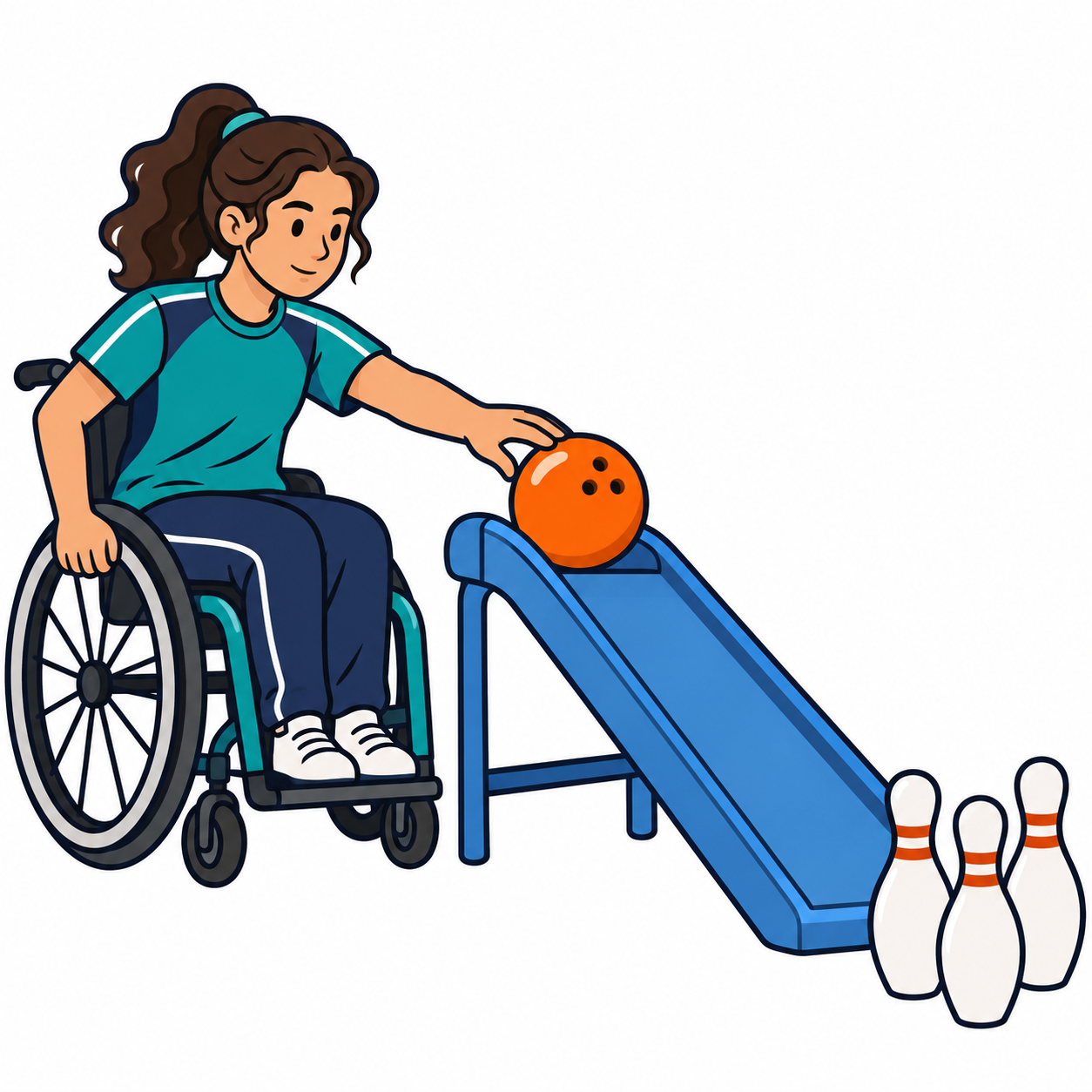 Roll with a ramp
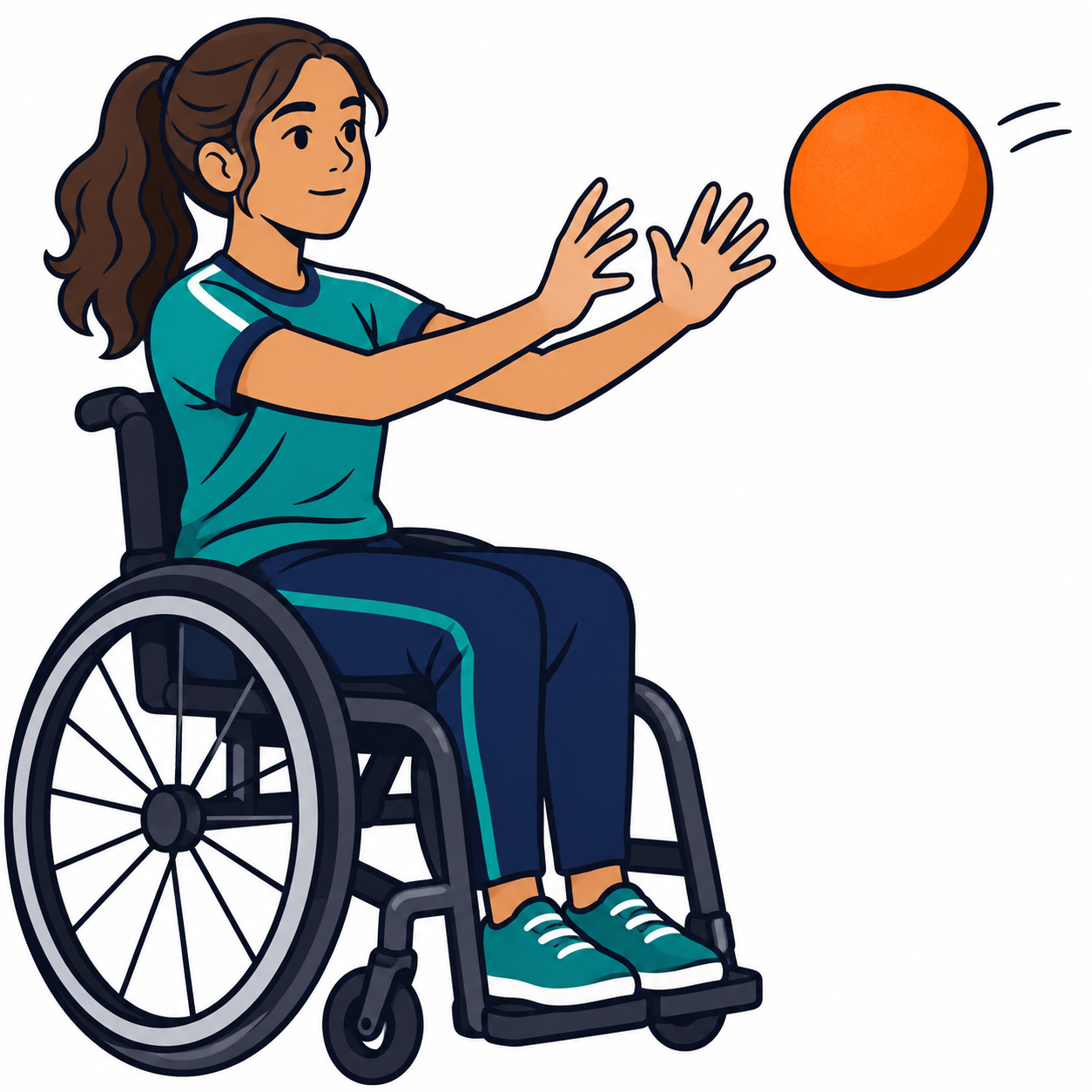 Catch seated
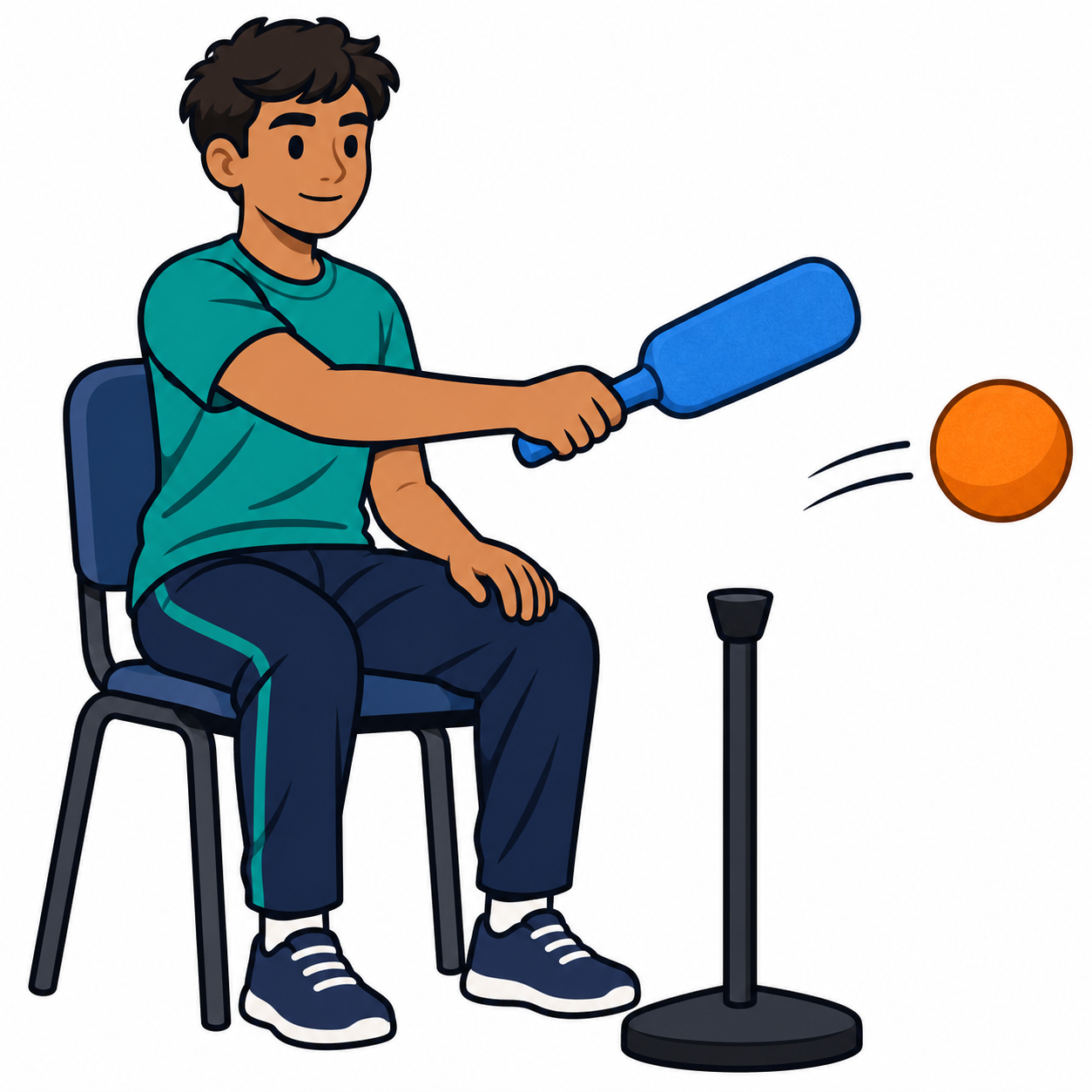 Strike seated
A starting point, ready to adapt
Starters open as a new draft. Save your current board before switching; you can undo a switch.
The visual collection
No visuals match. Clear your search or choose another filter.
Make it yours
Start with a few cards. Edit words, photos, or practice details to match the learner. Add the same card again when an activity repeats.
Opening your saved boards…
Letter paper, portrait, 100% scale; turn browser headers and footers off. Posters print one activity per page. Pocket cards include the label and short cue. Check a sample at the distance your student will use it.
Ready for next time
Boards and photos stay in this browser on this device. They are not uploaded to EveryCue. Download an editable backup to move a board to another device or keep a copy before clearing browser data.
For teachers & families
Start with the learner, the activity, and the place the visual will be used.
Show one recognizable action with a short label. These cards cue an activity; demonstrate the movement and teach skill steps separately.
Use “Add your own card” or “Edit” to add a familiar photo and the words your learner understands. Choose older-student illustrations or neutral symbols when they fit better. Use an object cue or tactile support when pictures are not accessible.
Choose seated or standing activities, equipment, distance, and assistance to fit the learner’s plan. A wheelchair picture is one example of participation, not an instruction to transfer or propel.
Model help, break, water, and refusal. Respond to the message. Keep the learner’s usual AAC system available; these cards are optional supports.
Recheck in the gym. Reduce the number of cards, increase the size, change the symbol, or use a personal photo if the message is unclear. For motor instruction, use individualized demonstrations and appropriate adapted equipment.